
How to Create an Online Course on Kajabi From Scratch — Complete Tutorial 2026
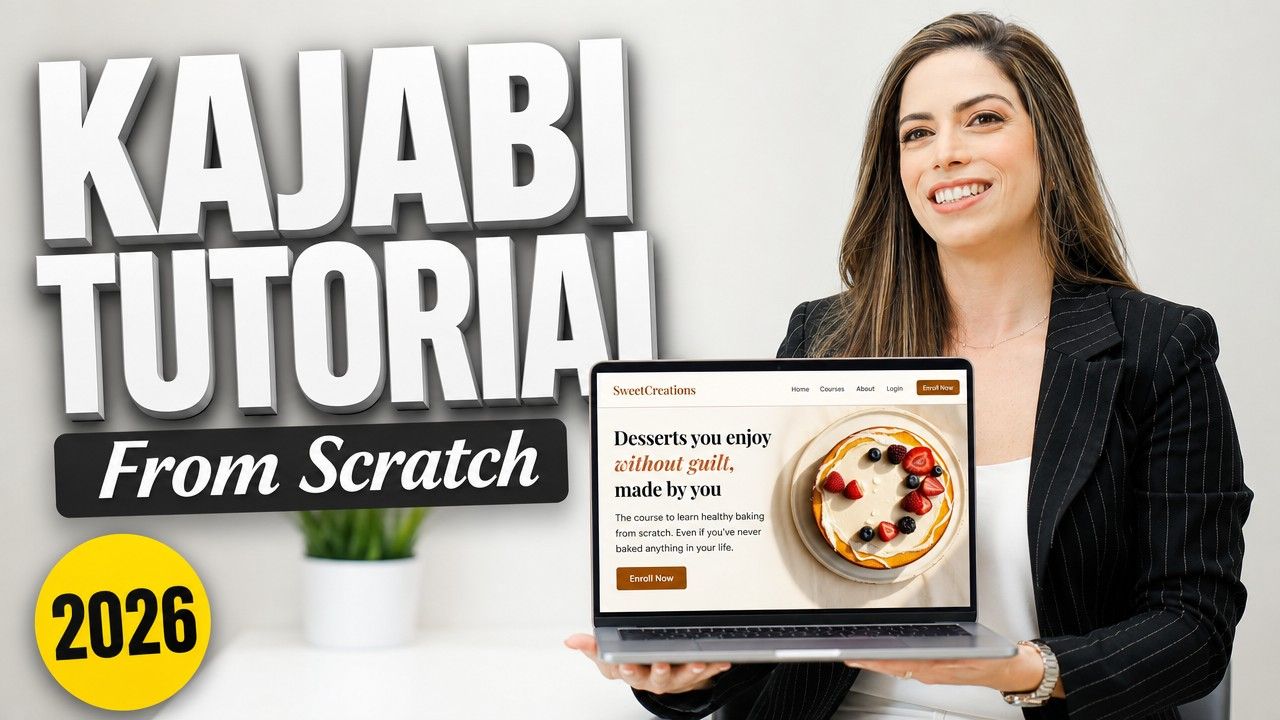
Kajabi has a reputation for being complicated. It isn't. In this tutorial I build a complete course from scratch — modules, sales page, thank you page, and a post-purchase email sequence — in under 30 minutes. I use a healthy baking course as the example, but the structure is exactly the same for any topic: coaching, photography, finance, languages, whatever your expertise is.
What you can create on KajabiKajabi is more than a course platform. From Products you can create:
How to build your course on Kajabi step by stepGo to Products → New Product. Kajabi asks whether your course will be evergreen (always available, pre-recorded) or a cohort (live, date-based). If you're starting out, evergreen is the right choice — students can access your content from anywhere in the world, at any time. Title, description, and the AI toggleName your course and write a description. Kajabi has an AI toggle that generates a full curriculum based on your title and description — useful if you're not sure where to start. For this tutorial we leave it off to show the manual process. Colors and thumbnailSet your product colors — background and buttons — and upload the thumbnail your students will see in their library. A thumbnail matters because it gives your course a visual identity inside the student dashboard. You can generate it with AI or Adobe Stock. Payment optionsKajabi accepts Stripe, PayPal, and Kajabi Payments (Stripe white-label). With Kajabi Payments you can also accept Apple Pay, Klarna, and Afterpay. Your course can be free or paid — one-time payment, payment plan, or monthly subscription. You can also activate a "pay what you want" option with a minimum price. Modules and lessonsKajabi creates a blank module with one lesson by default. From there you can add more modules, sub-modules, lessons, quizzes, or upload multiple videos at once. Each module and lesson can have its own thumbnail — that's what makes the student library look professional from day one. Inside each lesson you can add video, audio, text, HTML, downloadable files, and toggle comments on or off. You can also set lesson-level automations: when a student completes a lesson, they receive an email, unlock another offer, or get a certificate. Publish, schedule, drip, and lockFour options for controlling when students access your content:
The offer and checkoutWhen you finish creating the course, Kajabi automatically generates an offer. It used to be called "Offers," now it's "Pricing" — same concept: multiple offers for a single product. One with a payment plan, one with a one-time payment, one with time-limited access. What you can configure in the offer
The purchase flow — this is where the money isInside Purchase Flow you define what happens after someone buys. The most important part: upsells. An upsell is like when a movie theater asks if you want to upsize your popcorn. I went to buy a $497 course and ended up paying $1,500 because the upsell products were exactly what I wanted even more. You can also set downsells, bump offers inside the checkout, and automations that subscribe students to an email sequence the moment they purchase.
Your sales page on KajabiGo to Website → Landing Pages → New Landing Page. Before designing any section, open Style Guide — that's where you define colors and typography that apply consistently across the entire page. Sections your sales page needs
The pop-up checkout converts better than a separate checkout page because it keeps the visitor on your sales page. The thank you pageThe fastest way in Kajabi: duplicate your sales page, rename it "thank-you," hide it from search results, and remove or hide every section you don't need. Keep the welcome message and the button that sends students to their library. Then connect everything in your offer's purchase flow: after payment → thank you page → welcome email. Post-purchase email sequenceGo to Marketing → Email Campaigns → New sequence. The first email goes on day zero — it arrives the moment someone buys. Subject line example: "Welcome. Your course is waiting." Inside: a personalized greeting with the student's first name, the link to the library, and your recommendation for where to start. The advantage of sequences: you can add a day-30 email that says "You've been at this for a month — how's it going?" and include an upsell to a strategy session or your next product right there. To trigger it automatically: go back to your offer → Purchase Flow → Automations → If purchased, subscribe to the post-purchase sequence. Save and done. Kajabi pricing in 2026Kajabi's monthly plan starts at $179/month and includes:
Kajabi's website gives you a 14-day trial. My link gives you 30 days — double the time to explore and decide. The bonus when you use my linkIf you take an annual Kajabi plan through my link, my team builds for you:
Just send me your receipt and we coordinate from there. You bring the content and the expertise — we handle the tech.
|
Pick my brain or work live and learn the nitty-gritty behind Kajabi, while I do your tech-setup. Schedule a 1:1 consultation or consultation + implementation call. I'll answer your questions and teach you live while doing the work for you!
Subscribe to my newsletter
When I have something very awesome to share with you that can add value to your online business, your digital marketing strategies or increase your passive income and revenue, I'll stop by your inbox.
I hate spam. Won't do it.


